Guide
Best cheap 360 cameras for virtual tours
You do not need a cinema kit to publish a property walkthrough. For most listings, a consumer 360 camera under about $500 is enough — if you pick a model that actually fits still-based tours. Below are five concrete cameras, what they cost, and who each one is for.
Prices are approximate street prices and change often. Check current deals before you buy.
What “cheap” should still include
A budget camera for virtual tours still needs a full spherical still (equirectangular JPEG or equivalent), usable indoor exposure around windows, and a way to keep the lens height consistent room to room. Video-first gadgets and phone-only stitching are usually false economies once you shoot more than a couple of homes.
Still 360 capture
Tour platforms are built around still scenes you link together — not a single walking video.
Indoor dynamic range
Bright windows and dark corners show up in every listing. Weak sensors fail here first.
Simple export
Ricoh often saves a ready JPEG. Insta360 usually needs a quick export. Both are fine if you plan for it.
Concrete cameras to buy
These five models cover most budget virtual-tour setups. Start at the top if you are buying one camera and want the least compromise.
01
Best overall value
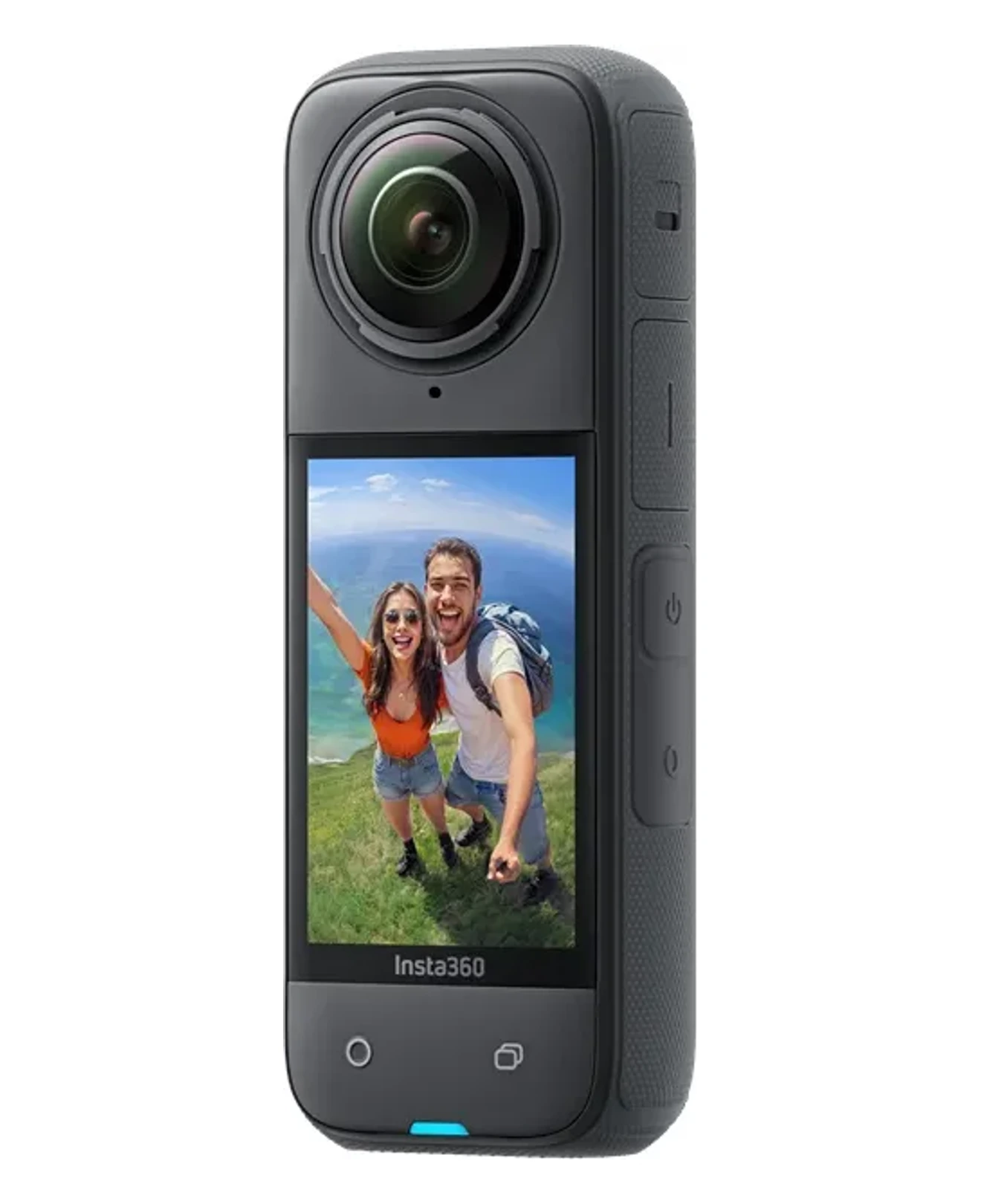
Insta360 X4
About $300–500 new · 72 MP stills · 8K video
Best for: Most people starting virtual tours on a budget
The X4 is the sweet spot if you want a current camera without flagship pricing. It shoots large stills for walkthroughs, handles mixed indoor light reasonably well with Active HDR, and has a touchscreen so you can check framing on site.
- Strong resolution for listings without a premium price
- Touchscreen preview — fewer surprises after the shoot
- Export/stitch in the Insta360 app or Studio before upload
- Good all-day battery for multiple properties
Watch out: Stills need an export step. Plan a few minutes per room in the app.
02
Best high-resolution stills
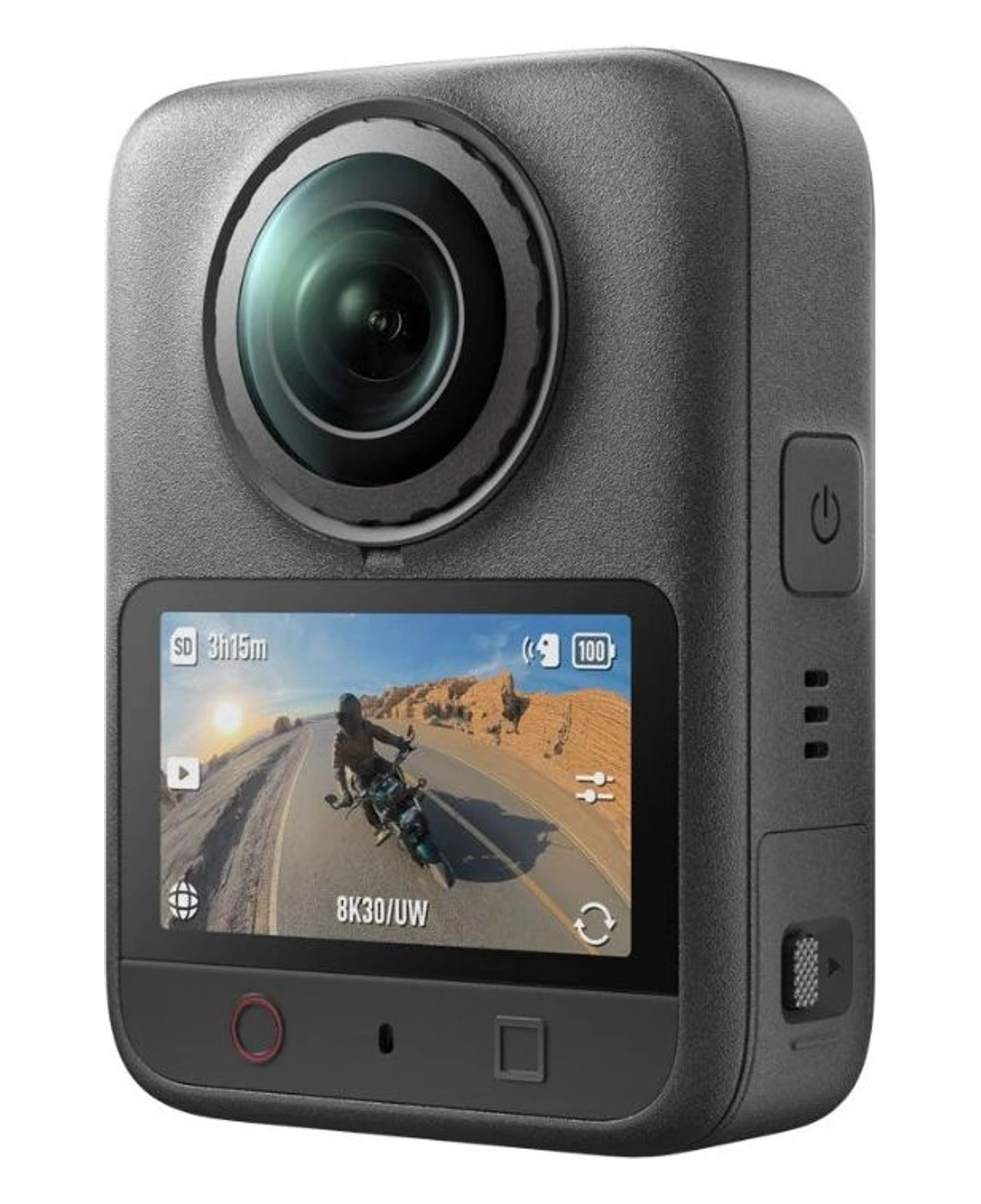
DJI Osmo 360 II
About $500–600 · 120 MP HDR stills · 8K/60 video
Best for: Listings where window light and detail matter most
The second-generation Osmo 360 keeps 120 MP panoramas and adds HDR stills plus stronger dynamic range — useful in bright rooms with dark corners. Export equirectangular JPEGs from DJI’s app, then upload as usual. Choose it when you want more still headroom than an X4 and can stretch past the cheapest new bodies.
- 120 MP HDR 360 stills — strong zoom and highlight control
- Improved dynamic range for mixed indoor lighting
- Native 8K/60 360 video if you also deliver walkthrough clips
- Built-in storage plus microSD for long shoot days
Watch out: Costs more than an X4. Confirm the JPEG/export workflow in DJI Mimo before you commit a whole listing day to it.
03
Cheapest solid starter
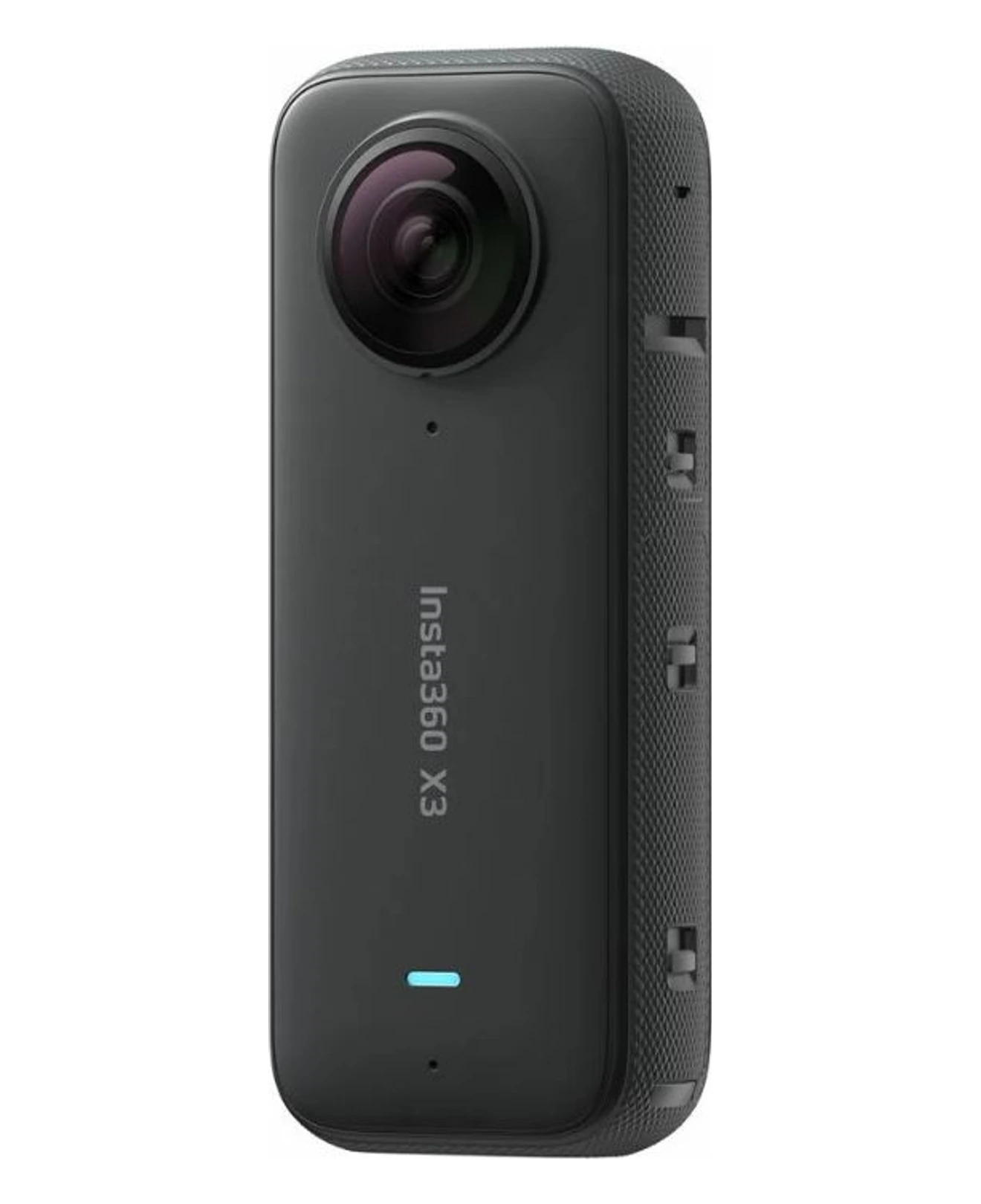
Insta360 X3
About $250–400 (often less used) · 72 MP stills · 5.7K video
Best for: Tight budgets and buying used or refurbished
If the goal is the lowest spend that still looks professional online, a new or used X3 is hard to beat. Image quality is enough for most residential tours, and the ecosystem is mature — so tutorials and accessories are easy to find.
- Often the lowest price for a serious 360 still camera
- Used market is large, which helps keep costs down
- Same general Insta360 workflow as the X4
- Fine for first tours while you learn lighting and height
Watch out: Detail and low-light polish trail newer X4/X5 models. Avoid dark rooms without extra light.
04
Simplest low-cost Ricoh
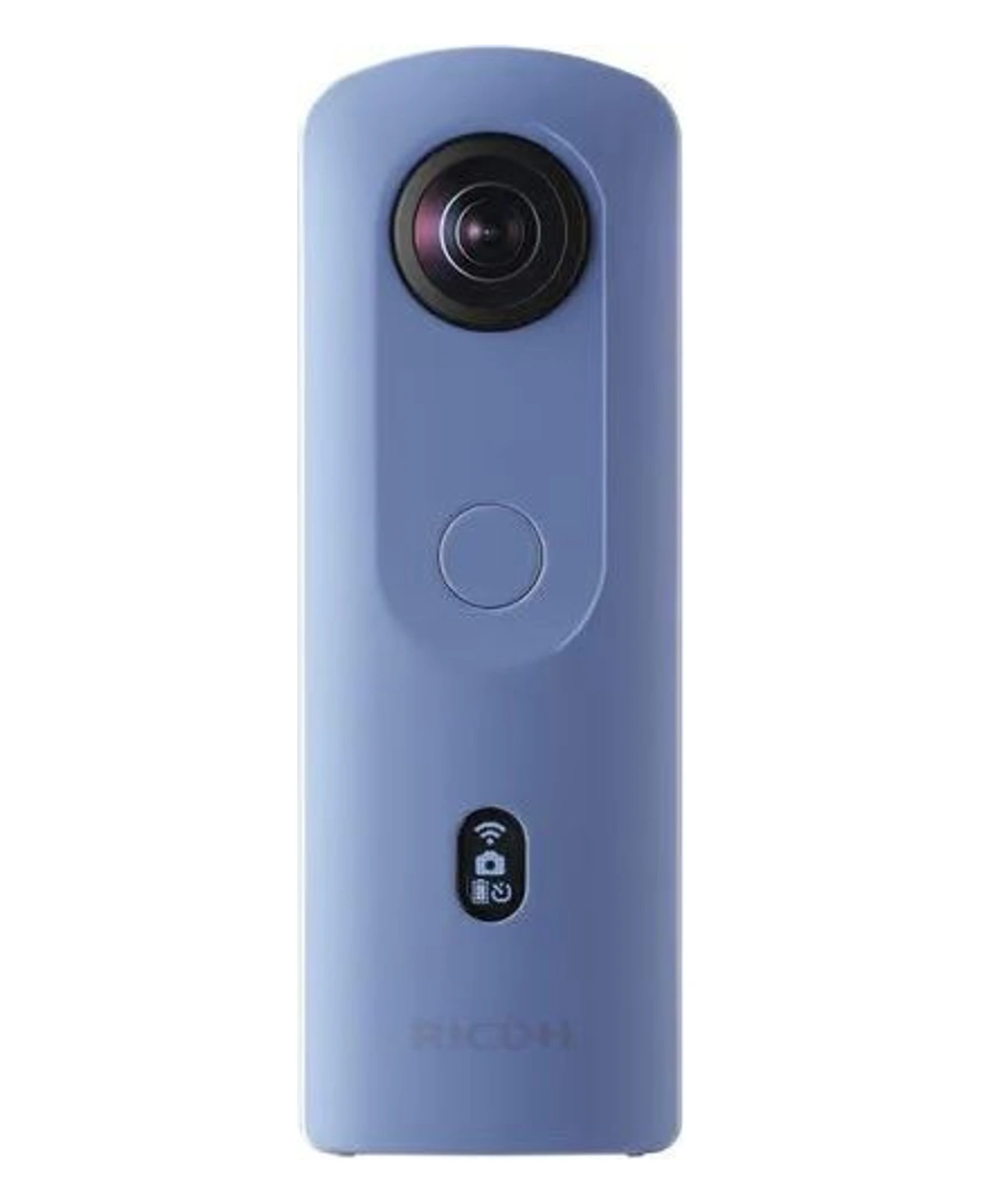
Ricoh THETA SC2
About $200–350 used / clearance · 14 MP stills
Best for: Maximum simplicity when resolution can stay modest
The SC2 is an older entry Ricoh that still shows up cheaply. It saves finished 360° JPEGs in-camera — copy the files and upload. For small apartments and quick agent-shot tours, that simplicity matters more than megapixels.
- Finished JPEG in-camera — no stitching app required
- Often the cheapest Ricoh path into virtual tours
- Light, pocketable, and easy to hand to a colleague
- Good when you need volume over luxury detail
Watch out: Lower resolution and weaker dynamic range than Theta X or Insta360 X4. Skip for large luxury homes.
05
Best if you can stretch the budget
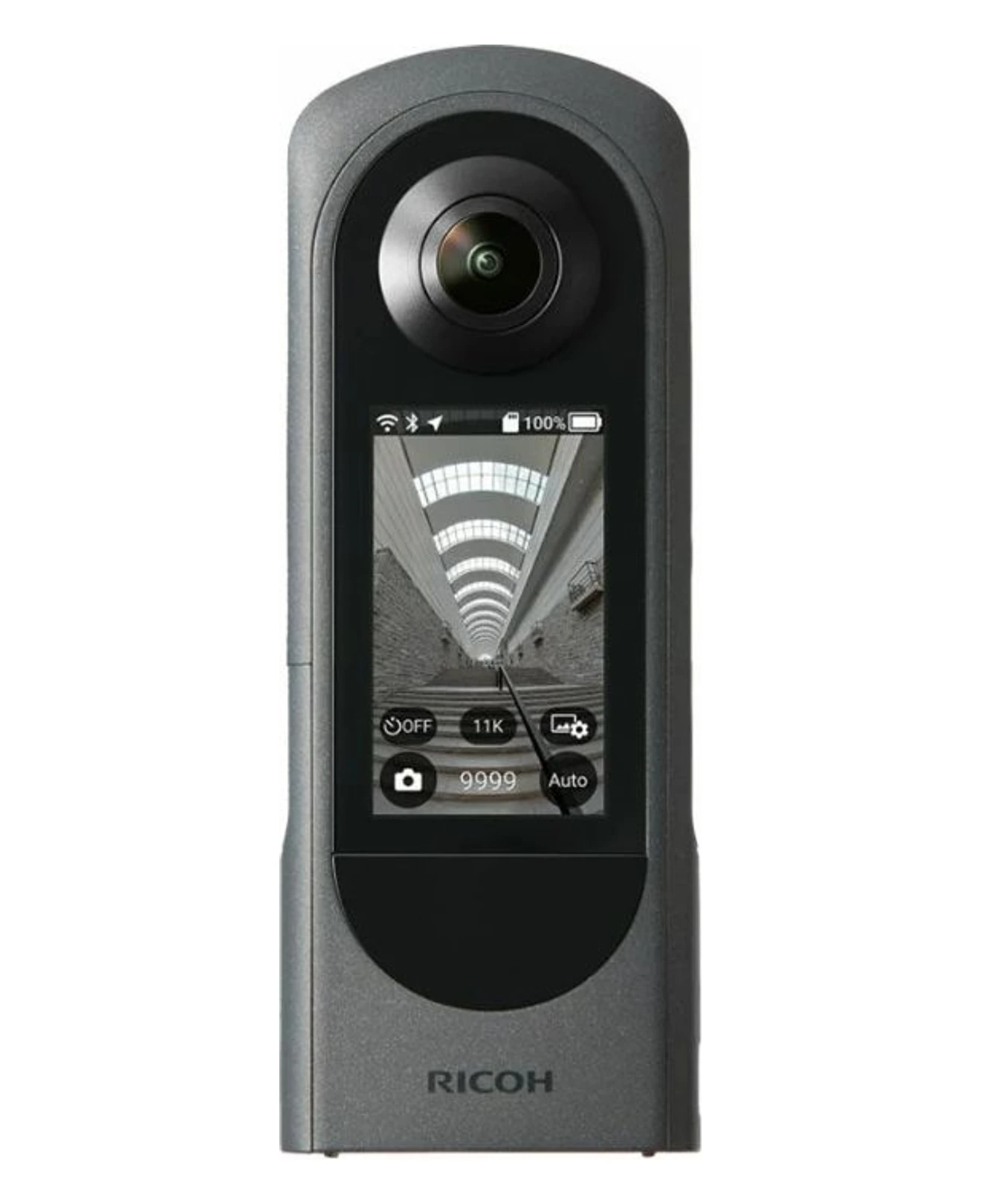
Ricoh THETA X
About $500–700 · About 60 MP stills
Best for: Agents and photographers who shoot many listings weekly
Not the cheapest body, but still a “budget professional” pick versus high-end setups. Touchscreen, ready JPEGs in-camera, and a workflow built around stills — which is what most virtual tour platforms want.
- In-camera 360 JPEG — fastest path from shoot to upload
- Higher resolution than SC2 for zoom and larger rooms
- Touchscreen for on-site checks
- Popular in real-estate capture for a reason
Watch out: Costs more than X3/X4. Worth it mainly when speed and simplicity save you time every week.
Quick comparison
| Camera | Approx. price | Stills | Best reason to pick it |
|---|---|---|---|
| Insta360 X4 | $300–500 | 72 MP | Best new-camera value |
| DJI Osmo 360 II | $500–600 | 120 MP HDR | Highest still resolution here |
| Insta360 X3 | $250–400 | 72 MP | Lowest serious entry cost |
| Ricoh THETA SC2 | $200–350 | 14 MP | Cheapest simple Ricoh workflow |
| Ricoh THETA X | $500–700 | ~60 MP | Fast JPEG workflow at higher quality |
Our pick if you buy one camera
Buy an Insta360 X4 if you want the best balance of price and image quality today. Step up to the DJI Osmo 360 II when 120 MP HDR stills matter more than saving a little cash. Choose a used Insta360 X3 only when the budget is absolute. Prefer Ricoh if you hate export steps — THETA SC2 for rock-bottom cost, THETA X when you can spend a bit more for cleaner stills and speed.
Skip these on a budget
- Flagship bodies like Ricoh THETA Z1 or latest Insta360 X5/X6 until clients pay for that quality.
- Action-first cameras that fight you for clean interior stills.
- Full DSLR/mirrorless + fisheye kits — powerful, but not the cheap path for a first virtual tour business.
Low-cost extras that matter more than the next camera upgrade
A stable mini tripod or stand
Keep lens height consistent (roughly door-handle to chest height). Uneven height looks more “amateur” than a slightly older sensor.
Spare battery
Especially for Insta360 on multi-listing days. Downtime costs more than a second battery.
A clear shoot checklist
Same corners, same order of rooms, lights on, blinds managed. Process beats megapixels for cheap, repeatable tours.
FAQ
- What is the cheapest camera that still works for a virtual tour?
- A used or refurbished Insta360 X3, or a discounted Ricoh THETA SC2, are the cheapest cameras that still produce usable property tours. Expect roughly $200–400 depending on condition. Below that, quality and dynamic range usually fall off too far for indoor listings.
- Do I need an expensive camera for AtlaRoom or similar tour software?
- No. Tour software needs equirectangular 360° images. Mid-range cameras like the Insta360 X4 or Ricoh THETA X are more than enough. Spend leftover budget on a stable tripod and consistent shooting height instead of a flagship body.
- Is a smartphone enough for a cheap virtual tour?
- Phone apps can stitch panoramas, but results are slower, less consistent, and weaker around bright windows. For listings you will reuse or charge for, a dedicated 360 camera pays for itself quickly. Start with an Insta360 X3/X4 or Ricoh THETA SC2/X.
- Insta360 or Ricoh for budget virtual tours?
- Choose Insta360 X4 (or X3) for resolution per dollar, or DJI Osmo 360 II when you want 120 MP HDR stills and can stretch the budget. Choose Ricoh THETA SC2 or THETA X if you want finished JPEGs in-camera and fewer export steps. All of these work for property tours; the difference is workflow and detail, not whether tours are possible.
- What else should I buy besides the camera?
- A small tripod or stand that keeps the camera at about chest-to-door height, a spare battery if you shoot several homes a day, and a microSD card rated for high write speeds. Skip drones and cinema lenses until the stills workflow is solid.
Camera first. Then the tour software.
Once you can export clean 360 stills, AtlaRoom is built to turn them into a shareable property presentation — without a monthly subscription.
- Works with standard 360 stills from Insta360 and Ricoh
- Share with a link, QR code or embed
- Free to create — pay when you publish